Omnisafe Inc Charge on Debit Card [Decoded]

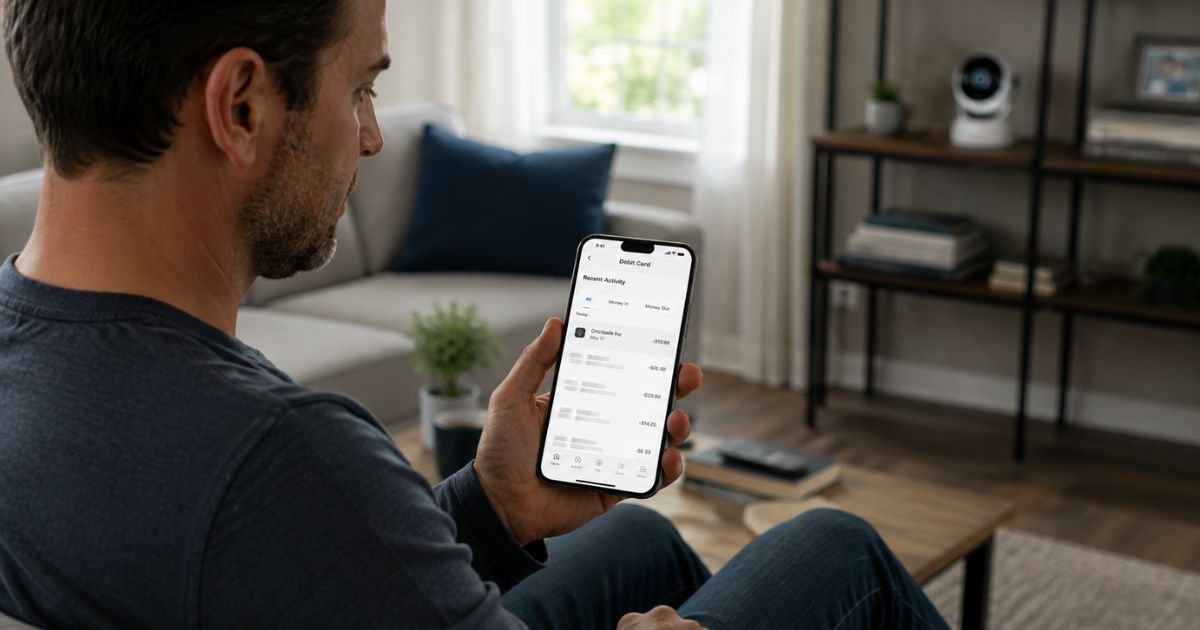
An Omnisafe Inc charge on debit card can feel confusing if the name does not match any company you remember dealing with. Many people first notice a recurring monthly amount and wonder whether it is legitimate.
This article explains the most common reason for the charge, how it usually connects to home security products, how to confirm it is yours, and the clear steps to stop or dispute it if needed.
What Is the Omnisafe Inc Charge?
Omnisafe Inc (sometimes shown as OMNISAFE INC CHARGE or Omnisafe Inc Dover DE) is a billing descriptor that most often appears for cloud storage or monitoring subscriptions tied to Aosu security cameras and doorbells.
Aosu sells wireless and solar-powered cameras that work with free local storage on a microSD card or home base unit.
An optional paid upgrade called aosuProtect+ (or similar cloud plans) adds off-site video history, extended event storage, and advanced features.
When you subscribe through the Aosu app, the charge can appear under the Omnisafe Inc name rather than the consumer-facing Aosu brand.
Typical amounts range from roughly $4.49 to $13.49 per camera per month, depending on the plan and number of devices.
Annual options also exist. Free trials of a few days to a month are common and can convert to paid billing if not canceled.
Other companies share similar names (including an industrial fittings maker and an insurance agency), but those are far less likely to generate everyday personal debit-card charges.
Why the Charge Appears on Your Debit Card
Common reasons include:
- You set up an Aosu camera or doorbell and started a free cloud trial that later converted to a paid plan.
- You or another household member enabled aosuProtect+ or a similar cloud-storage option in the Aosu app.
- Multiple cameras each carry their own subscription, so the total can add up.
- The billing name uses the backend processor (Omnisafe Inc) instead of the brand you see on the box or website.
Because local storage is free and heavily promoted, many users are surprised when a cloud fee appears later.
Is the Omnisafe Inc Charge Legitimate?
In the majority of reported cases, yes. It reflects a real optional subscription for cloud video storage linked to Aosu products. The charge is legitimate when it matches an active camera account or trial conversion you authorized.
Problems usually arise when the trial converts without clear notice, a family member added the service, or the subscription continues after you thought you had canceled.
If you have never owned an Aosu camera and still see the charge, treat it as unrecognized and investigate promptly.
How to Verify the Charge
- Note the exact amount, date, and full descriptor from your bank statement.
- Open the Aosu app (if installed) and check Settings, Cloud Recording, Subscription, or My Service for any active plans.
- Search your email for receipts or confirmations from Aosu, aosulife.com, or Omnisafe.
- Ask household members whether they set up any home-security cameras or cloud features.
Matching the charge to an active camera subscription usually resolves the question quickly.
How to Cancel the Omnisafe Inc / Aosu Cloud Subscription
Cancellation is handled inside the Aosu app in most cases:
- Open the Aosu app and sign in.
- Go to Settings → Cloud Recording (or aosuProtect+ / My Service).
- Select the active plan and choose Unsubscribe or Cancel.
- Confirm the cancellation and keep a screenshot of the confirmation.
You can also contact Aosu customer support through the app or website for help. Once canceled, future renewals should stop, though the current billing period may still be charged.
If the app no longer shows the subscription or you cannot access the account, contact your bank to block further charges from the merchant.
What to Do If You Do Not Recognize the Charge
- Call the number on the back of your debit card and report the Omnisafe Inc charge as unrecognized.
- Ask the bank to open a formal dispute and, if appropriate, freeze or replace the card.
- Check for other recent charges under similar names and include them in the dispute.
- Change passwords on any email or app accounts that may have been used for the subscription.
- Monitor the account for new attempts.
- Keep notes of every conversation, including reference numbers.
Debit-card protections under Regulation E have time limits, so report the issue as soon as possible.
How to Dispute the Charge With Your Bank
Contact your bank’s fraud or disputes department by phone or through the secure app. Provide the transaction date, amount, descriptor, and any notes from the Aosu app or support. Request a provisional credit while the investigation continues. Banks can also place a merchant block if available.
Tips to Avoid Unexpected Charges
Review any free-trial terms carefully before starting cloud storage on security cameras. Prefer local microSD or home-base storage if you want to avoid monthly fees.
Check your debit-card activity weekly and set transaction alerts. When setting up new devices, confirm that no paid add-ons are enabled by default.
FAQs About Omnisafe Inc Charge on Debit Card
Why does the charge say Omnisafe Inc instead of Aosu?
The consumer brand is Aosu. Omnisafe Inc is the name that often appears on the payment processing side for the cloud subscription.
Is this a required fee for Aosu cameras?
No. Core recording and viewing work with free local storage. Cloud plans are optional upgrades.
Can I get a refund?
Refund policies for cloud subscriptions are limited. Contact Aosu support promptly if you believe the charge was made in error. For unauthorized charges, your bank’s dispute process is usually the more effective route.
What if charges continue after I cancel in the app?
Call your bank immediately, report the new charge, and request a block on the merchant. Keep the cancellation confirmation as evidence.
Conclusion
An Omnisafe Inc charge on debit card most often means an optional cloud-storage subscription for Aosu security cameras that converted from a free trial or was enabled in the app. Check the Aosu app and your email first.
If the charge matches an active plan you no longer want, cancel it in the app. If you do not recognize it at all, contact your bank right away and open a dispute.
Quick action keeps unexpected fees from continuing and protects your account.
Disclaimer: This information is for informational purposes only. ChargeOnDebitCard.com is not affiliated with Omnisafe Inc, Aosu, aosulife.com, or any bank. Readers should contact their financial institution about suspicious transactions or account-specific concerns.