Token Provision Charge on Debit Card [Decoded]

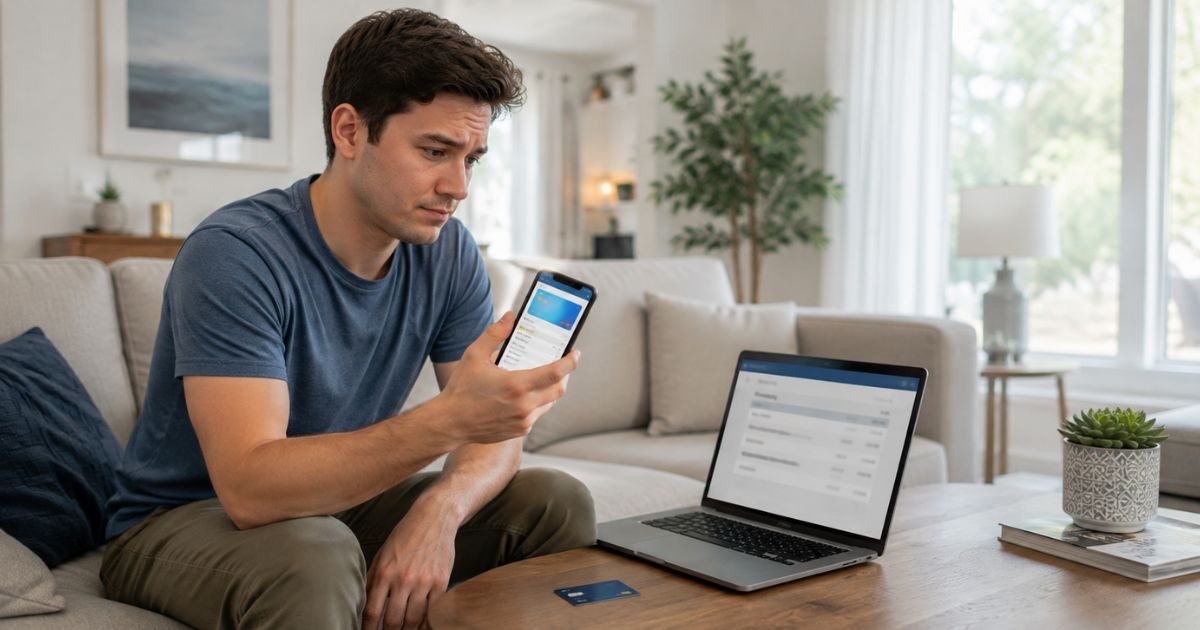
Seeing a Token Provision charge on debit card can feel confusing if you do not recall making a purchase. Many people notice this line item and wonder if money left their account.
This article explains what the charge usually means, why it shows up, how to confirm it is normal, and what steps to take if it still looks wrong.
What Is the Token Provision Charge?
A Token Provision charge (sometimes listed as Token Provision, Visa Provisioning Service, or Token Provision St Louis MO) is almost always a temporary verification related to card tokenization.
Tokenization replaces your real 16-digit card number with a unique digital code called a token. This happens when you add your debit card to a digital wallet such as Apple Pay, Google Pay, or Samsung Pay, or when a merchant securely stores your card for future use.
The charge is typically $0.00 or a tiny amount like $0.01. It is not a real fee. No money is permanently taken from your account. It simply confirms that your card is active and valid before the token is created.
Visa’s Token Service and similar network processes handle this step. The “St Louis MO” detail sometimes appears because of Visa’s processing locations. The entry usually shows as pending and then drops off within a few business days.
Why the Charge Appears on Your Debit Card
These charges appear for security reasons. Common triggers include:
- You added your debit card to Apple Pay, Google Pay, Samsung Pay, or another digital wallet.
- You saved your card on a merchant site or app that uses network tokenization.
- A service updated or re-provisioned a token after a card reissue or device change.
- You set up a new recurring payment that requires a secure token.
The process protects your real card number. Merchants and wallets never store the actual number. Instead they use the token for future payments. This reduces fraud risk if data is ever compromised.
How Token Provisioning Works
Here is the basic flow in plain terms:
- You enter or select your debit card in a wallet or merchant app.
- The wallet or merchant requests a token from the card network (Visa, Mastercard, etc.).
- Your bank and the network verify the card is valid.
- A temporary $0 (or very small) authorization may appear on your statement as confirmation.
- The network creates the token and sends it back.
- Future taps or online payments use the token instead of your real card number.
This happens behind the scenes in seconds. You usually only notice the statement line if you check your account right away.
Is the Charge Legitimate?
Yes. In nearly every case a Token Provision charge is legitimate when it matches recent activity of adding a card to a digital wallet or secure service.
Legitimate scenarios include setting up Apple Pay or Google Pay, saving a card for an online subscription, or a quiet background update after a card replacement. The amount stays at $0 and disappears on its own.
Suspicious scenarios are uncommon. Watch for any amount greater than a few cents that does not reverse, multiple large charges, or activity when you never added a card anywhere. In those rare cases contact your bank promptly.
Why Is the Charge Pending?
The entry often starts as pending because it is only an authorization check. Banks hold the verification briefly while the token is created.
Once the process finishes, the pending item clears. Most clear within 1 to 7 business days depending on your bank. No final posted charge remains.
How to Verify the Charge
Use these simple checks:
- Look at the exact date and amount in your bank app.
- Think about any digital wallets or merchant accounts you updated around that time.
- Open Apple Wallet, Google Wallet, or Samsung Wallet and confirm the card is listed.
- Check recent emails for confirmation that a card was added or updated.
- Ask household members if they added the card to a shared device.
If the timing matches a wallet setup, the charge is almost certainly normal.
What to Do If You Do Not Recognize the Charge
Follow these steps:
- Confirm whether anyone in your household recently added the card to a phone or tablet.
- Wait a few business days if the amount is $0. Most of these entries simply disappear.
- If an actual dollar amount posts and stays, call the number on the back of your debit card.
- Report the transaction and ask the bank to investigate.
- Consider freezing the card temporarily through your banking app while you review activity.
- Remove the card from any digital wallets you no longer use and re-add it only if needed.
Debit card dispute rights depend on timing and circumstances. Report issues quickly and keep notes of every conversation.
Tips to Avoid Confusion With Similar Charges
- Check your bank app right after adding a card to a wallet so you recognize the entry.
- Keep a short mental note of new digital payment setups.
- Review pending transactions weekly.
- Use your bank’s virtual card feature for one-time online saves when available.
- Remove unused cards from digital wallets to limit future token activity.
These habits make future Token Provision lines easy to identify.
FAQs About Token Provision Charge on Debit Card
Does a Token Provision charge take money from my account?
No. It is almost always a $0 verification. No funds leave your balance permanently. The pending item simply clears after a few days.
Why does it sometimes say St Louis MO?
That location detail often links to Visa processing centers. It does not mean a purchase happened in Missouri. It is part of the network’s token system.
Will I see this charge every time I use Apple Pay or Google Pay?
Usually not. The Token Provision entry typically appears only when the card is first added or when a token is updated. Everyday taps use the existing token without a new statement line.
What if the charge is more than $0 and does not disappear?
Contact your bank right away. Provide the date, amount, and full descriptor. Genuine Token Provision entries stay at zero and reverse on their own. Anything else needs review.
Conclusion
A Token Provision charge on debit card is almost always a harmless, temporary verification that happens when your card is tokenized for a digital wallet or secure merchant use. The amount is typically $0 and the line drops off within days.
If the timing matches adding a card to Apple Pay, Google Pay, or a similar service, you can safely ignore it. If nothing matches or a real amount posts, contact your bank for a quick check. Staying aware of these security steps keeps your account protected without unnecessary worry.
Disclaimer: This information is for informational purposes only. ChargeOnDebitCard.com is not affiliated with Visa, Mastercard, any digital wallet provider, or any bank. Readers should contact their financial institution about suspicious transactions or account-specific concerns.