Google TikTok Charge on Debit Card [Decoded]

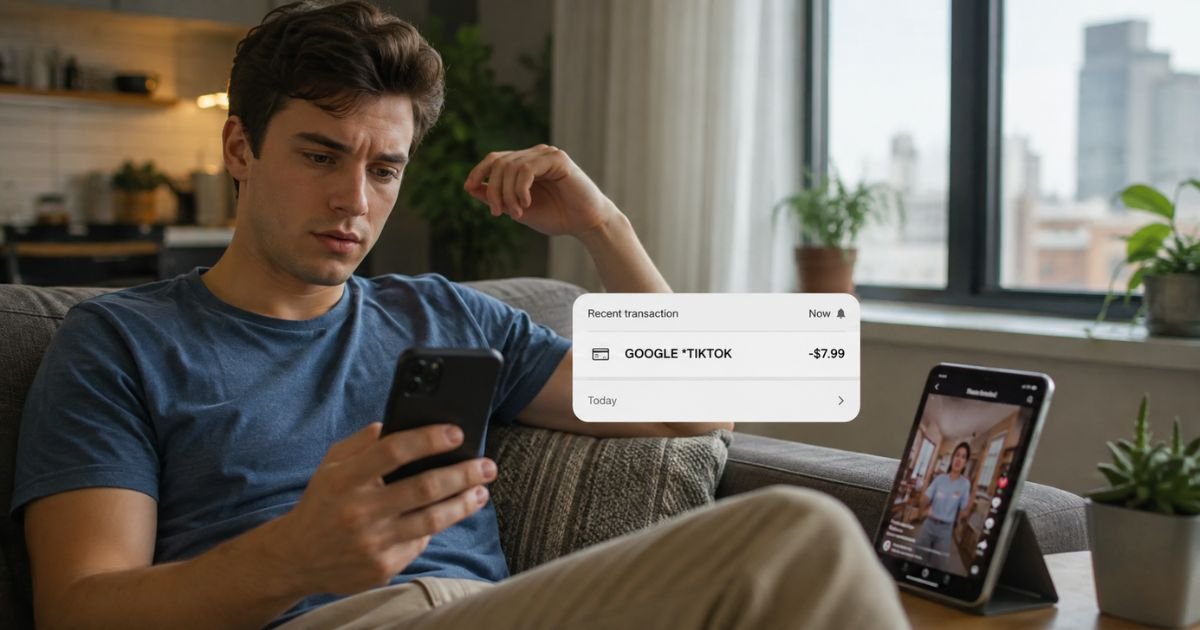
You check your bank app or statement and see a charge that starts with Google and includes TikTok. It might read GOOGLE TIKTOK LIVE, GoogleTikTok, or GOOGLE *TIKTOK G.CO/HELPPAY#. You do not remember buying anything under that name. That confusion is common.
This article explains what the Google TikTok debit card charge usually means, why it shows up, how to confirm it, and what to do next if you still do not recognize it.
What Is the Google TikTok Charge?
The Google TikTok charge is a billing descriptor that appears when a purchase related to TikTok is processed through Google’s payment system.
On bank statements it most often looks like GOOGLE TIKTOK LIVE, GOOGLETIKTOK, or similar variations that include G.CO/HELPPAY or a location code.
Google handles the payment, so the charge starts with GOOGLE*. The TikTok part points to activity inside the TikTok app, usually the purchase of virtual Coins.
Users buy Coins on Android devices through the Google Play Store to send virtual gifts during TikTok LIVE streams or for other in-app features.
TikTok’s own policy confirms that Coins bought inside the app on Android are handled by the Google Play Store. The bank sees Google as the merchant because Google processes the card payment. Exact wording can shorten or vary by bank.
Typical amounts are often small, such as under $5 or packages that total $5 to $50 or more, depending on the Coin package chosen.
Recurring or multiple charges on the same day sometimes appear when several small purchases happen close together.
Why the Charge Appears on Your Debit Card
Common reasons include:
- You bought TikTok Coins inside the app on an Android phone or tablet.
- Someone who shares your Google account or device made the purchase.
- A family member or friend used a stored payment method linked to your Google account.
- The charge is still pending or was a temporary authorization that later posted.
Google’s official guidance notes that purchases from the Play Store for apps and in-app items appear as GOOGLE* followed by the developer or app-related name. TikTok falls into that category on Android.
Some users report the charge even when they do not use TikTok. In those cases the activity may come from a compromised Google account, a device that still has the account signed in, or card details that were used elsewhere.
How to Verify the Google TikTok Charge
Start with the exact details on your statement: the full descriptor, amount, date, and last four digits of the card.
Sign in to payments.google.com with every Google account that might be linked to the card. Open the Activity section and look for matching dates and amounts.
Open the Google Play Store app, tap your profile icon, then go to Payments & subscriptions and check Budget & order history or Subscriptions. Look for TikTok-related entries.
Inside the TikTok app, go to your Profile, open the menu, and check Balance or purchase history for Coins. Compare those records with the bank charge.
If you share devices or accounts, ask household members whether they bought Coins recently. Check email for Google Play receipts that match the date.
Matching the amount and date to a Google or TikTok record usually confirms the charge is legitimate. If nothing matches, treat it as unrecognized.
Is the Charge Legitimate?
Many Google TikTok charges are legitimate in-app purchases of Coins processed through Google Play. Google’s billing format of GOOGLE* plus the service or developer name is standard for Android app purchases.
Suspicious scenarios include repeated small charges you never authorized, charges that do not appear in any Google or TikTok history, or activity after you stopped using the app.
Consumer reports show a number of people who saw multiple $0.99 or similar charges they did not make and later linked the activity to account or card compromise.
A registered Google transaction does not automatically mean you personally approved it. Shared accounts, saved cards, or unauthorized access can still produce a real-looking charge.
What to Do If You Do Not Recognize the Charge
- Review every Google account linked to the card at payments.google.com and in the Play Store order history.
- Check the TikTok app for any Coin purchases or balance changes on the same dates.
- If the charge does not match any of your activity, report it inside Google. Go to payments.google.com, find the transaction if it appears, and use the option to report a problem or unauthorized charge.
- Contact your bank or card issuer right away. Provide the exact descriptor, amount, and date. Ask them to open a dispute or claim for an unauthorized transaction.
- Freeze or lock the card in your bank app while the investigation continues. Request a replacement card with a new number if advised.
- Change the password on every Google account that had the card saved, enable two-factor authentication, and sign out of devices you no longer use.
Federal protections for debit cards generally require prompt reporting. Your bank can explain the specific timelines and liability limits that apply to your account.
How to Request a Refund or Dispute the Charge
If the purchase appears in your Google Play history, start there. Open the order and select Report a problem. Choose the reason that fits and follow the prompts for a refund request.
TikTok’s policy states that for Coins bought through Google Play you can also submit feedback inside the TikTok app under Report a problem. Google handles the payment side, so the Play Store path is usually the first step.
If the charge does not appear in any Google record, go straight to your bank. Banks investigate unauthorized electronic transfers under rules that can limit your loss when you report quickly. Keep notes of every conversation and any case numbers.
Do not expect an automatic refund simply because the name looks unfamiliar. Evidence that the transaction was unauthorized strengthens the case.
Tips to Avoid Unexpected Google TikTok Charges
Require a password, fingerprint, or face unlock for every Google Play purchase.
Remove saved payment methods from Google accounts you rarely use.
Review Google and TikTok activity regularly, especially after sharing a device.
Turn on purchase notifications from both Google and your bank.
If you no longer want Coins features, avoid opening the purchase screen inside TikTok and remove any linked cards from the Google account used with the app.
Buying Coins on the TikTok website instead of inside the app uses a different payment path and can avoid the Google Play descriptor entirely in supported regions.
FAQs About Google TikTok Charge on Debit Card
Why does the charge say Google instead of TikTok?
Google processes the payment for in-app purchases made on Android. The bank statement therefore shows Google as the merchant and appends the TikTok-related name.
Can someone else cause this charge on my card?
Yes. Anyone with access to a Google account that has your card saved, or anyone who previously used the card on a shared device, can generate the charge.
What if the charge is pending?
Pending charges are often temporary holds. They usually post or drop off within a few business days. Monitor the final amount and match it to your records once it settles.
How long do I have to dispute an unauthorized charge?
Contact your bank as soon as you notice the charge. Debit-card protections under federal rules depend on how quickly you report the problem. Your bank will give you the exact window that applies to your account.
Conclusion
A Google TikTok charge on debit card most often comes from TikTok Coin purchases processed through Google Play on an Android device. The GOOGLE* prefix is Google’s standard way of showing those transactions.
If the amount and date match a purchase you or someone with access to your account made, the charge is usually legitimate. If nothing lines up, verify the activity in Google payments and TikTok, then report the charge to Google and your bank without delay.
Quick action gives you the best chance of resolving the issue cleanly.
Disclaimer: This information is for informational purposes only. ChargeOnDebitCard.com is not affiliated with Google, TikTok, ByteDance, or any bank. Readers should contact their financial institution about suspicious transactions or account-specific concerns.