
NYX Master Telecom Charge on Credit Card [Decoded]

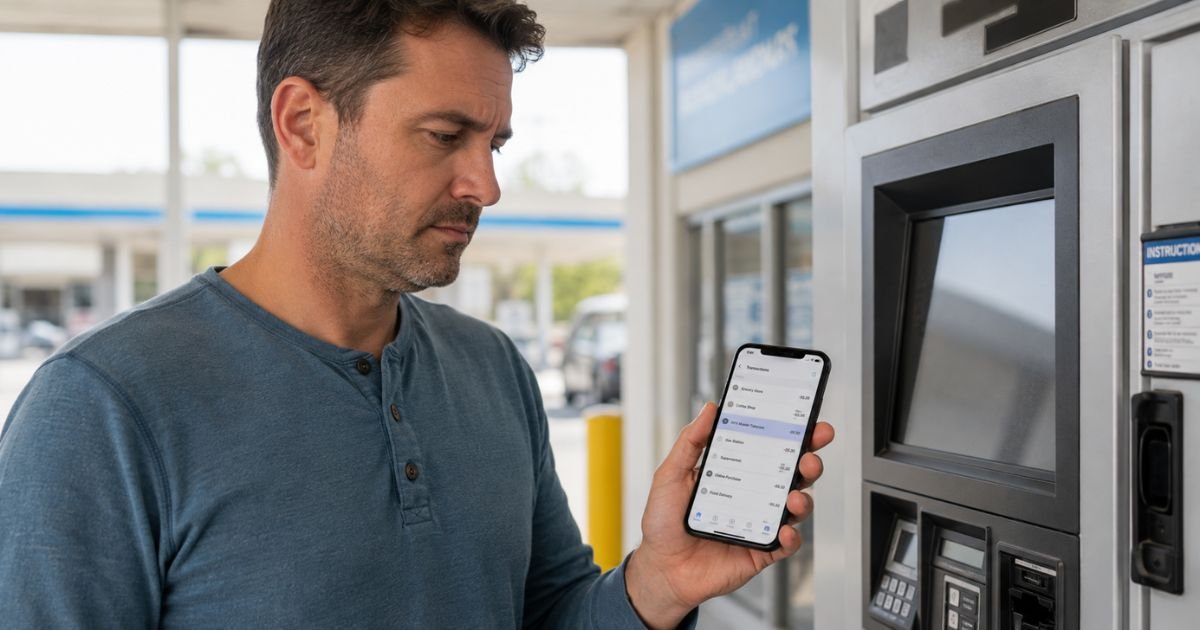
Seeing an unfamiliar NYX Master Telecom charge on credit card statement can feel confusing if you do not remember a recent purchase.
This article explains what the charge typically means, why it shows up, how to check if it is legitimate, and the practical steps to take next.
What Is the NYX Master Telecom Charge?
The NYX Master Telecom billing descriptor most often appears when a payment is processed through Nayax, a legitimate cashless payment company. Nayax supplies card readers and systems for unattended machines.
Nayax clears transactions on behalf of machine operators. The charge on your statement frequently combines “NYX” (a common short form for Nayax) with the operator or merchant name, which in this case includes “Master Telecom.”
Master Telecom is a real low-voltage and telecommunications contractor based in Memphis, Tennessee. It installs cabling, access control, and surveillance systems.
The exact link between that company and every NYX Master Telecom charge is not fully confirmed in public sources. Some reports treat “Master Telecom” as the specific merchant or location name attached to a Nayax-processed payment.
These charges are generally one-time and small. They commonly come from everyday uses such as a vending machine, laundry machine, car wash, parking kiosk, ticket machine, or similar self-service device.
Nayax itself is a publicly traded company that serves operators in many countries. Its name (or a variation) routinely appears on statements for purchases at machines equipped with its devices.
Evidence about the precise “Master Telecom” portion remains limited. The descriptor is a billing label created by the payment system rather than a direct invoice from a traditional phone or internet provider.
Why the Charge Appears on Your Credit Card
Common reasons include:
- You used a card at a vending machine, laundry, car wash, parking meter, or other unattended kiosk that runs on Nayax hardware.
- The machine operator added a small credit-card surcharge that was posted on the device.
- A family member or someone with access to your card made a quick purchase at such a machine.
- The payment processor displayed its own name plus the operator identifier instead of a more familiar brand.
These transactions are often quick and easy to forget, especially if no paper receipt was issued.
How to Verify the Charge
- Note the exact date, amount, and any location or reference number shown on your statement.
- Think back over the same day or the day before. Did you (or anyone else with the card) use a self-service machine?
- Check for matching receipts, emails, or text confirmations.
- Log into your credit-card account and look for extra details the issuer may provide, such as a merchant category or city.
- If the amount and date line up with a machine purchase you recall, the charge is likely legitimate.
If nothing matches, treat it as unrecognized and move to the next steps.
Is the Charge Legitimate?
In most reported cases the underlying payment is legitimate when it matches a real unattended-machine transaction. Nayax is a known payment facilitator for vending and similar services.
Suspicious signs include:
- Multiple small charges you cannot explain
- Amounts that do not match any activity
- No recollection of using a machine on or near the transaction date
Nayax has received customer complaints about overcharges, holds, and support response times. Its BBB rating reflects those issues. Still, the company is a real, operating business, not a pure scam entity.
Separate normal machine purchases from true unauthorized activity.
What to Do If You Do Not Recognize the Charge
- Review the full statement details and any linked location or category code.
- Contact your credit-card issuer using the number on the back of the card. Explain that the NYX Master Telecom charge is unrecognized.
- Ask the issuer to open an investigation or dispute. Provide the date, amount, and descriptor.
- Consider temporarily freezing the card or requesting a replacement if you suspect fraud.
- Change passwords on any accounts that share the same card information if needed.
Credit-card dispute rights and timelines vary by issuer and the type of charge. Act promptly and keep records of every conversation.
How to Contact the Merchant or Processor
Nayax advises customers to contact the machine operator first. Look for a phone number or website sticker on the device itself.
Nayax U.S. contact details that appear in public sources include:
- Phone: +1 (410) 666-3800
- Email: us-support@nayax.com
Master Telecom (Memphis) can be reached at (901) 756-6000 or via master-telecom.com. Whether that specific company is responsible for every charge under this descriptor has not been independently confirmed.
If the operator cannot help, your card issuer remains the primary path for a formal dispute.
Tips to Avoid Unexpected Charges
- Prefer cash or a dedicated low-limit card at unfamiliar machines.
- Look for posted fees before tapping or inserting your card.
- Check statements weekly and set up transaction alerts.
- Keep any machine receipts until the charge clears.
FAQs About NYX Master Telecom Charge on Credit Card
Is NYX Master Telecom a scam?
No. The descriptor is typically tied to Nayax, a real payment processor used by many legitimate unattended machines. Treat an unrecognized charge as potentially unauthorized until you verify it.
Why does the name look different from the machine I used?
Payment processors often place their own short name plus the operator identifier on the statement. This is common with vending and kiosk systems.
Can I get a refund if the machine failed?
Contact the operator listed on the machine first. If that fails, dispute the charge with your credit-card issuer and supply any evidence of the problem.
How long do I have to dispute the charge?
Most issuers follow time limits set by card-network rules, often measured from the statement date. Check your card agreement or call the issuer for the exact window that applies to you.
Conclusion
The NYX Master Telecom charge on credit card is most often a legitimate payment processed through Nayax for a purchase at an unattended machine or kiosk. Match the date and amount against your recent activity to confirm.
If you still cannot identify the charge, contact your card issuer right away and request an investigation. Keep clear notes of every step.
Disclaimer: This information is for informational purposes only. ChargeOnDebitCard.com is not affiliated with Nayax, Master Telecom, or any bank or card issuer. Contact your financial institution about any suspicious transactions or account-specific concerns.


