How to Check Debit Card Transactions Online in Minutes?

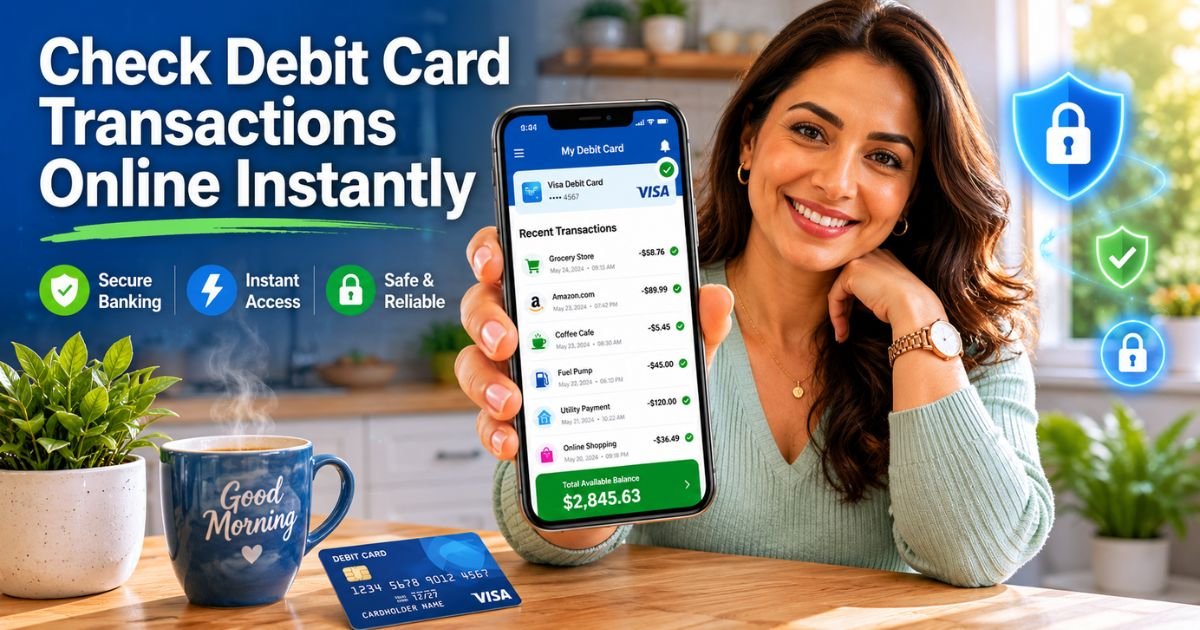
Have you ever grabbed your debit card for a quick coffee run only to wonder later exactly where that $47.82 went? Or maybe you spotted an unfamiliar charge and felt that little knot in your stomach?
You are not alone. Millions of Americans swipe their debit cards every day, yet many still feel unsure how to keep tabs on every transaction.
The good news? Checking your debit card transactions online takes just a few taps or clicks.
Whether you bank with Chase, Bank of America, Wells Fargo, or any other major institution, your bank already gives you free, secure tools to see everything in real time.
You will discover exactly how to check debit card transactions online, set up helpful alerts, and protect your money like a pro.
Why Checking Debit Card Transactions Online Matters More Than Ever
Life moves fast. Between work, family, and weekend errands, it is easy to lose track of where your money goes. Regular checks help you spot errors, prevent fraud, and stick to your budget without the stress.
When you check debit card transactions online, you see both posted charges and pending ones before they hit your account. This simple habit can save you from overdraft fees or bigger headaches. Plus, most banks now update activity within minutes, so you stay one step ahead.
How Debit Card Transactions Actually Work
Before we jump into the steps, let’s quickly cover the basics so everything makes sense.
Every time you swipe, tap, or shop online, two things usually happen. First comes the pending transaction, which reserves the money but has not cleared yet. Then the merchant finalizes it, and the charge posts to your account.
Pending items can take one to three business days to post, and sometimes they disappear if the merchant cancels. Understanding this timeline keeps you from worrying over temporary holds.
How to Check Debit Card Transactions Online Using Your Mobile Banking App
Most people love the mobile app route because it fits right in your pocket. Here is the simple process that works for almost every major US bank.
- Download or open your bank’s official app from the App Store or Google Play.
- Log in with your username, password, and any two-factor authentication required.
- Tap on your checking or debit-linked account from the dashboard.
- Scroll to the “Activity,” “Transactions,” or “Recent Activity” section.
- Use the search bar or filters to find specific dates, amounts, or merchants.
Chase Mobile App example: After logging in, tap “Checking” and scroll down to see your latest purchases instantly. You can even download a PDF of the last 18 months.
Bank of America: Open the app, select your checking account, and recent transactions appear right away. Tap “View all activity” for deeper history.
Wells Fargo: Sign on, choose your debit-linked account, and tap “Activity” to search up to 18 months of records.
Logging Into Online Banking on Your Computer or Laptop
Prefer a bigger screen? The website version works beautifully too.
Head to your bank’s official site, sign in securely, and click on your checking account. You will usually find a clear “Transactions” or “Account Activity” tab. Most portals let you sort by date, amount, or category and even export data to a spreadsheet for budgeting.
How to Check Debit Card Transactions Online Without the App
No smartphone handy? No problem. Many banks still offer full online banking through any web browser. Just visit the site, log in, and follow the same path as the app. Some banks even send daily or weekly email summaries so you never miss a beat.
Setting Up Real-Time Alerts to Stay Ahead
Why wait to log in when your bank can ping you instantly? Most apps let you turn on push notifications, text messages, or emails for every transaction over a dollar you choose.
This feature catches fraud fast and helps you track daily spending without opening the app.
Pro Tip: Set alerts for any transaction over $5 right now. It takes 30 seconds and can save you thousands if someone tries something sneaky.
Real-World Example
Take a 34-year-old teacher from Austin, Texas. She noticed her debit card balance looked lower than expected after a busy weekend. Instead of guessing, she opened her Bank of America app, checked debit card transactions online, and spotted a $129 charge from an online store she never visited.
Within minutes she reported it, the bank reversed the charge, and she changed her card number. She now checks her activity every Sunday morning while sipping coffee, and she says it gives her total peace of mind.
Common Mistakes People Make When Checking Transactions
Even smart people slip up sometimes. Here is one big one to avoid.
Common Mistake: Only looking at posted transactions and ignoring pending ones. Pending holds can reduce your available balance today, even if the charge has not cleared yet. Always check both sections to avoid surprise overdrafts.
Another frequent error? Using public Wi-Fi without a VPN or forgetting to log out. Always use your home network or cellular data for banking.
Quick Comparison of Major US Banks
Here is a handy table to see how the biggest banks stack up when you want to check debit card transactions online.
| Bank | Mobile App Name | Transaction History | Real-Time Alerts | Export Options |
|---|---|---|---|---|
| Chase | Chase Mobile | Up to 18 months | Push, text, email | PDF & CSV |
| Bank of America | Bank of America App | Up to 12 months | Push & text | PDF & Excel |
| Wells Fargo | Wells Fargo Mobile | Up to 18 months | All three | PDF & CSV |
| US Bank | US Bank Mobile | Up to 24 months | Push & email | PDF only |
Pick the method that fits your lifestyle best. The key is consistency.
Extra Tips to Keep Your Debit Card Safe
Stay proactive with these smart habits. Enable two-factor authentication every time. Review your monthly statements even if you check daily online. And if anything looks off, call your bank immediately, usually within two days to limit your liability on debit card fraud.
FAQs About How to Check Debit Card Transactions Online
How often should I check my debit card transactions online to stay safe?
Aim for at least once a week, or set daily alerts for any activity. Busy people like Sarah check every Sunday morning. This simple habit catches problems early and keeps your budget on track without feeling overwhelming.
Can I check debit card transactions online if I lost my debit card?
Yes! Even without the physical card, you can still log into your bank’s app or website and view all activity. Most banks also let you lock the card instantly through the same portal until you get a replacement.
What should I do if I see an unauthorized debit card transaction?
Contact your bank right away through the app, website, or customer service line. Report the charge within two business days to limit your liability. The bank will usually investigate and reverse fraudulent transactions quickly.
Conclusion
You have learned the fastest ways to check debit card transactions online, how to set up helpful alerts, and simple habits that protect your hard-earned cash.
Remember, the most important takeaway is consistency. Whether you use the mobile app, website, or real-time notifications, taking just a few minutes each week puts you in control.
Start today. Open your banking app, review your latest activity, and set up one alert. You will feel lighter knowing exactly where your money is going. Your future self will thank you for the peace of mind.
Disclaimer: This content is for informational and educational purposes only and does not constitute professional, financial, legal, or medical advice. The information provided may not apply to your specific situation. Always consult a qualified professional for personalized guidance.