Notion Charge on Debit Card [Decoded]

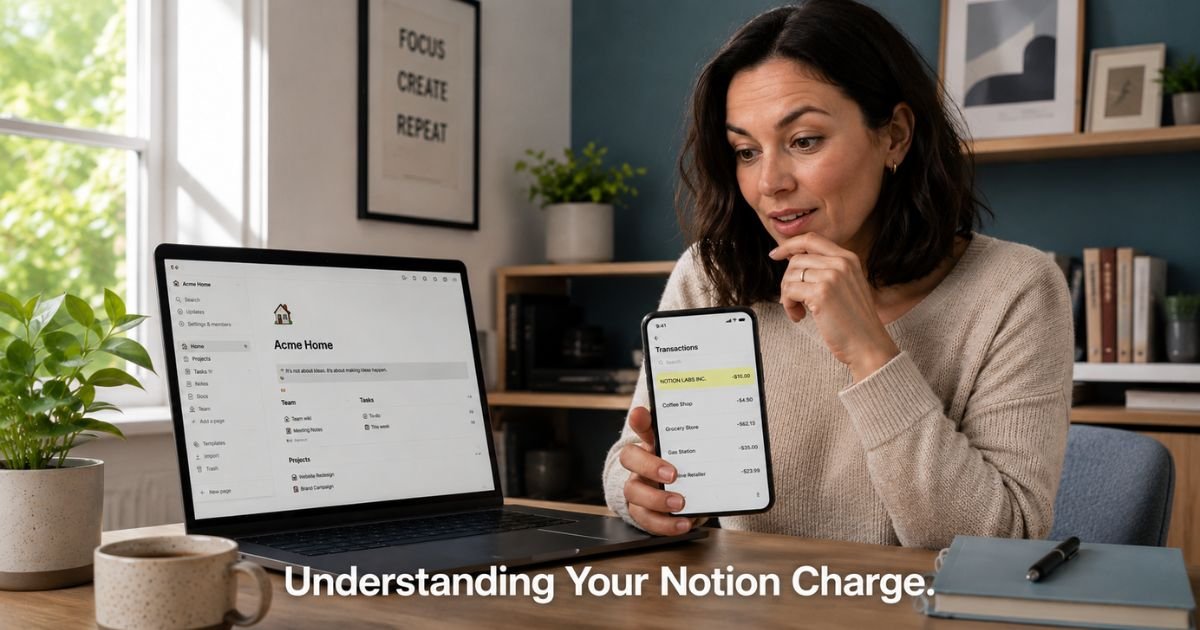
You open your banking app to check on a few things and freeze for a second. There it is, a charge from “Notion” or “NOTION LABS INC” that you don’t remember approving. Your mind races through recent purchases, but nothing clicks.
Don’t worry. This guide walks you through exactly what happens, why surprise charges occur, and how you can take back control today.
By understanding the Notion charge on debit card, you avoid stress and keep your money working for you instead of leaking out on forgotten subscriptions.
We cover the common triggers, verification steps, and simple cancellation process.
What Causes a Notion Charge on Debit Card?
Several everyday situations lead to these charges showing up unexpectedly. Here are the most frequent reasons people spot a Notion charge on their debit card:
- You signed up for Notion’s free trial of a paid plan, then forgot to cancel before the trial period ended. The subscription auto-renews and pulls from your saved card.
- Someone upgraded a shared workspace you belong to, and the billing responsibility landed on the workspace owner or spread across members.
- You created or joined multiple workspaces over time and lost track of which one carries a paid plan like Plus or Business.
- Your annual subscription renewed automatically, and the full yearly amount hit your debit card at once.
- You activated Notion AI or another add-on that triggered separate billing on top of your base plan.
Take a 34-year-old freelance writer. She joined a client’s Notion workspace to collaborate on a big project and later started her own personal workspace to organize client notes. She upgraded the personal one to Plus during a busy month for extra AI features, then got distracted and never downgraded. Two months later, the recurring charge surprised her on her debit card statement. A quick login to Notion revealed the active paid workspace she had overlooked.
How to Verify the Notion Charge Belongs to You
Before you cancel anything, confirm the charge connects to your account. This step prevents mistakes and helps you understand exactly what you pay for.
Log into your Notion account at notion.so using the email tied to your debit card. Head to the left sidebar and click Settings, then select Billing from the menu.
You will see your current plan details, the workspace name it applies to, the next billing date, and any upcoming charges. Check every workspace you own or belong to, since each can have its own plan.
If nothing appears under Billing, the charge might stem from a different email address or an old account you forgot existed.
Search your email inbox for messages from team@notion.so or similar. Look for signup confirmations, upgrade notices, or invoice emails. These records often include the workspace name and plan level, which matches the charge on your statement.
Pro Tip: Use the search bar in your email with keywords like “Notion billing,” “Notion invoice,” or “Notion subscription.” Sort by date around when the charge appeared. This quick scan often reveals the exact workspace and plan responsible for the debit card charge.
Common Notion Charge Descriptors on Bank Statements
Notion uses a payment processor, so the name on your statement varies slightly. Use this table as a quick reference when you spot something unfamiliar.
Common Billing Names for Notion Charges on Debit and Credit Cards
| Charge Descriptor | What It Usually Means |
|---|---|
| NOTION LABS INC | Standard subscription for Plus, Business, or Enterprise plans |
| NOTION.SO | Direct payment processed via the Notion website |
| NOTION SO SAN FRANCISCO CA | Location-based descriptor common for U.S. users |
| NOTION | Shortened name for the core SaaS service |
| NOTION PRO | Reference to a paid tier or add-on activation |
If your statement shows one of these and you have a Notion account, it almost always points to legitimate billing rather than fraud. Still, always verify inside your account first.
Steps to Cancel Your Notion Subscription
Ready to stop the charges? Follow these steps on a desktop browser for the smoothest experience. You keep access to paid features until the end of your current billing cycle.
- Visit notion.so and log in with the account linked to the charge.
- Click “Settings” in the left sidebar.
- Select “Billing” in the settings menu.
- Next to your plan, click “Change plan” or look for the cancel option.
- Choose to downgrade to Free or cancel the paid plan entirely.
- Confirm your choice. Notion sends a confirmation email, and billing stops for the next cycle.
If you belong to a shared workspace, the owner controls the plan and billing. Reach out to them directly if the charge comes from a team space you no longer need.
After cancellation, monitor your debit card for the next 30 days to confirm no further pulls.
Common Mistake: Many people dispute the charge with their bank right away without logging into Notion first. This approach can lock you out of important workspaces or create unnecessary back-and-forth with support. Always check your Notion billing settings before contacting your bank.
How to Prevent Future Surprise Notion Charges
Once you handle the current charge, set yourself up to avoid repeats. Small habits make a big difference here.
Review your saved payment methods inside Notion and remove any debit cards you no longer want to use for subscriptions. Turn on email notifications for billing changes and upcoming renewals so nothing catches you off guard.
Once a quarter, spend five minutes scanning your bank app for any recurring charges from apps like Notion, and cross-check them against your active accounts. If you share workspaces often, ask teammates about plan changes before they happen.
These simple checks keep your debit card protected and your budget predictable.
Is the Notion Charge Legitimate or Something Else?
In the vast majority of cases, a Notion charge on debit card represents real usage of their service. Notion never charges randomly.
You or someone with access to your account added a payment method and selected a paid plan or joined a paid workspace.
That said, treat any unfamiliar charge seriously at first. If you have zero recollection of ever using Notion and no matching emails, change your bank card details immediately and dispute the transaction.
Also scan your devices for any unauthorized apps or browser extensions that might have created an account in your name. Most of the time though, the explanation sits inside your Notion account waiting for you to find it.
Now that you know the full picture, you can handle the Notion charge on debit card with confidence instead of worry.
FAQs About Notion Charge on Debit Card
How do I find out exactly which Notion workspace is charging my debit card?
Log into Notion on desktop, open Settings from the sidebar, and go to the Billing section. There you see the active plan, the specific workspace name tied to it, the billing cycle, and the next charge date. If you manage several workspaces, check the dropdown or list to view each one individually until you match the amount and date on your statement.
Can I request a refund for a Notion charge that already processed?
Notion generally does not provide refunds for partial billing periods once a charge goes through. You can cancel right away to prevent the next charge, and you keep full access until the period ends. If you believe the charge resulted from an error or unauthorized access, reach out to Notion support through their help center or in-app chat with your account details and transaction info for review.
What happens to my data if I cancel my Notion paid plan?
Your workspace stays intact and you keep access to all content. Paid features simply turn off after the billing cycle ends, and the workspace reverts to the Free plan limits. Export any important pages or databases beforehand if you want a backup, though most users continue using the free version without issues. You can upgrade again anytime later.
Conclusion
You have now learned what triggers a Notion charge on debit card, how to verify it quickly, and the exact steps to cancel unwanted billing. The biggest takeaways are simple. Always check your Notion account settings first before assuming fraud.
Cancel or adjust plans through the official Billing page to stop future charges cleanly. Finally, build a quick habit of reviewing subscriptions every few months so surprises stay rare.
Take five minutes today and open your Notion account. Head straight to the Billing section and see what is active. You will likely feel instant relief once you understand exactly where the charge came from and know it is under your control.
Small steps like this protect your wallet and give you peace of mind with every subscription you manage.
Disclaimer: This content is for informational and educational purposes only and does not constitute professional, financial, legal, or medical advice. The information provided may not apply to your specific situation. Always consult a qualified professional for personalized guidance.