Delta Internet Charge on Debit Card [Decoded]

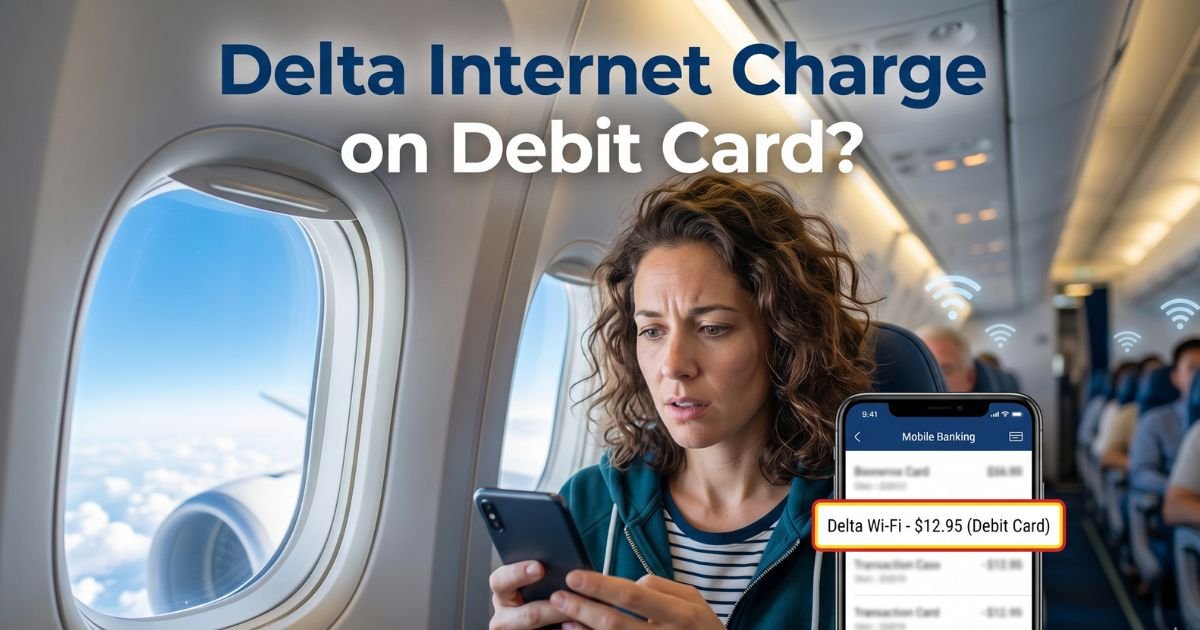
Have you ever glanced at your debit card statement and frozen at the sight of a mysterious “Delta Internet” charge? You’re scrolling through transactions, and there it is, staring back at you. If you’re like many travelers, this pops up out of nowhere and leaves you wondering what on earth it means.
Don’t worry. You’re not alone, and in most cases, it’s nothing scary. In this guide, we’ll break down exactly what the Delta internet charge on debit card is, why it shows up, and what to do next. Whether you flew Delta recently or just spotted the fee, you’ll walk away with practical tips and peace of mind.
Understanding the Delta Internet Charge on Your Debit Card
The Delta internet charge on your debit card almost always ties back to one thing: in-flight Wi-Fi from Delta Air Lines. When you buy internet access during a flight, it doesn’t always show up as “Delta Wi-Fi” on your statement.
Instead, banks often list it under descriptors like “Delta Internet,” “DELTA INTERNET D DC AUTH NS,” or “Delta.C.” This is how payment processors label the transaction, and it can catch people off guard, especially on debit cards where funds come straight out of your checking account.
Why does this happen? Delta partners with providers like Intelsat (and formerly others) to deliver onboard internet. You connect through the plane’s Wi-Fi network, purchase a session right there on your device, and the charge hits your card shortly after.
On debit cards, it processes quickly, sometimes as a pending authorization first, which can temporarily lower your available balance. It’s a common surprise for frequent flyers who grab Wi-Fi to check emails or stream shows without realizing the exact statement wording.
What Does the Delta Internet Charge Actually Cover?
This charge covers your access to Delta’s onboard internet service. It’s not a random fee or scam. Delta has rolled out faster, more reliable Wi-Fi across its fleet, making it easier than ever to stay connected from takeoff to touchdown. But not every flight or passenger gets it for free, which is where the debit card charge comes in.
Here’s the current scoop as of 2026. On most domestic U.S. flights, Delta offers fast, free Delta Sync Wi-Fi to anyone with a free SkyMiles account. You just log in with your SkyMiles number, and boom, messaging, browsing, and streaming are yours at no extra cost.
If you don’t have SkyMiles or you’re on certain international routes or older aircraft, you might still pay. Prices typically start around $5 per flight for basic access, though they can climb higher depending on the route and what you choose (like full streaming versus messaging only).
Think back to your last Delta flight. Did you tap “Buy Wi-Fi” on the inflight portal? Even a quick session can trigger the charge. And because it’s processed through Delta’s system, it shows up under that “Internet” label.
Real-world example: A reader flew from Atlanta to Chicago last month, bought a $5 pass to reply to work emails, and later saw “Delta Internet” for exactly that amount. No big deal once she connected the dots.
Is the Delta Internet Charge Legitimate or a Scam?
Nine times out of ten, yes, it’s completely legitimate. Delta isn’t hiding anything. But I get why it raises eyebrows. Bank statements aren’t always crystal clear, and “Delta Internet” sounds vague if you haven’t flown lately.
Scammers do target travelers with fake Delta emails claiming charges, but those won’t actually hit your debit card without your card details.
To double-check legitimacy:
- Match the charge date to a recent Delta flight.
- Look for the exact amount you remember paying in the inflight portal.
- Check your email for a Delta receipt (they send confirmations).
If nothing matches, it could be a rare mix-up or, less commonly, an old pending hold from a ticket purchase that processed oddly. Some older reports linked “Delta Internet” descriptors to online ticket buys, but that’s far less common now. When in doubt, contact Delta or your bank right away. Better safe than sorry.
Delta’s In-Flight Wi-Fi: Current Pricing and Policies
Delta has come a long way with its internet game. Gone are the days of spotty connections and sky-high fees on every flight. Here’s a quick breakdown to help you avoid future surprises:
- Free for SkyMiles members: Fast Wi-Fi on most domestic flights. Just create a free account if you don’t have one.
- Paid options: Non-members pay about $5 for a single flight pass. International or premium routes might cost $10 to $40 depending on length and provider.
- What you get: Messaging is often free even without buying full access. Full internet lets you browse, email, and stream (though speeds vary by plane and load).
Delta’s policy is straightforward: You pay only for what you use during the flight. No hidden subscriptions or auto-renewals tied to your debit card. If you’re a frequent flyer, joining SkyMiles saves you money and headaches down the road.
For the latest details straight from the source, check Delta’s official onboard Wi-Fi page at delta.com. It’s a reliable resource that updates with fleet changes.
How to Connect to Delta Wi-Fi Without Extra Charges
Want to avoid the Delta internet charge altogether next time? Here’s a simple step-by-step guide that works on almost every Delta flight:
- Turn on airplane mode and connect to the “DeltaWiFi” network once the crew announces it’s available.
- Open your browser. It should redirect to the Delta portal automatically.
- Log in with your SkyMiles account for free access (or purchase a pass if needed).
- Enjoy! Test your speed with a quick email or news check.
Pro tip
Download the Delta app before your flight. It makes logging in smoother and sometimes offers exclusive deals. And remember, free messaging is usually available without buying anything, perfect for staying in touch on a budget.
What to Do If You See an Unauthorized Delta Internet Charge
Spotted a charge that doesn’t ring a bell? Act fast, especially on a debit card where money leaves your account immediately. First, review your recent travel. If it doesn’t match any flight, treat it seriously.
Contact Delta customer service through their app or website. Provide the transaction date, amount, and your flight details if you have them. They can often refund legitimate but forgotten purchases or investigate errors. If it’s truly unauthorized, dispute it with your bank too. Debit card holders have strong protections under federal rules, so you shouldn’t lose out.
In rare cases of double charges (like an online ticket hold plus another fee), Delta’s team can sort it. Keep records of everything. A quick call usually fixes it within days.
Tips to Manage and Prevent Future Delta Internet Charges on Your Debit Card
Nobody likes surprise fees, right? Here are some easy habits to stay in control:
- Track flights in one place: Use the Delta app to log every trip and note any Wi-Fi purchases.
- Use a credit card for travel: Unlike debit, it gives you extra dispute time and doesn’t tie up your checking funds.
- Join SkyMiles early: It’s free and unlocks complimentary Wi-Fi on most routes.
- Set bank alerts: Get notified of any charge over $5 so nothing slips by.
- Review statements weekly: Catch issues before they snowball.
These small steps turn a potential headache into no big deal. And if you’re a light packer who travels for work or fun, knowing these details saves time and money.
| Aspect | Free Option (SkyMiles) | Paid Option | Best For |
|---|---|---|---|
| Domestic Flights | Yes, fast Wi-Fi | $5+ per flight | Quick emails or browsing |
| International | Limited | $10–$40 depending on route | Long-haul streaming |
| Debit Card Impact | None | Immediate deduction | Budget travelers |
| Speed & Reliability | Good to excellent | Same as paid | Everyone |
This table sums up the choices at a glance. Pick what fits your trip, and you’ll never wonder about that statement line again.
FAQs About Delta Internet Charge on Debit Card
Q. How Long Do Delta Internet Charges Take to Post?
Most Delta internet charges appear on your debit card within 1 to 3 days after the flight. Sometimes they show as pending first, which can hold funds for up to a week. If it’s taking longer, it’s usually just bank processing delays, not a red flag.
Q. Can I Get a Refund for a Delta Internet Charge?
Yes, in many cases. Reach out to Delta within 30 days if the Wi-Fi didn’t work well or you didn’t use the full session. Provide your boarding pass and charge details. Their customer service team is pretty responsive, especially for recent flights.
Q. What If the Delta Internet Charge Is a Duplicate or Error?
Double charges happen occasionally, especially with older systems or mixed online and airport bookings. Contact Delta support right away with both transaction references. They can reverse the extra one quickly, often without hassle.
Conclusion
You’ve now got the full picture on that Delta internet charge on debit card. It’s usually just a simple record of in-flight Wi-Fi, nothing more mysterious than that. Next time it shows up, you’ll know exactly why and how to handle it. Safe travels, and here’s to smoother statements ahead.
Disclaimer: This article is for informational and educational purposes only. It is not financial, legal, or travel advice. Always verify charges directly with your bank and Delta Air Lines. Policies and pricing can change, so check official sources for the most current details.