Amazon Marketplace NA PA Charge on Debit Card [Decoded]

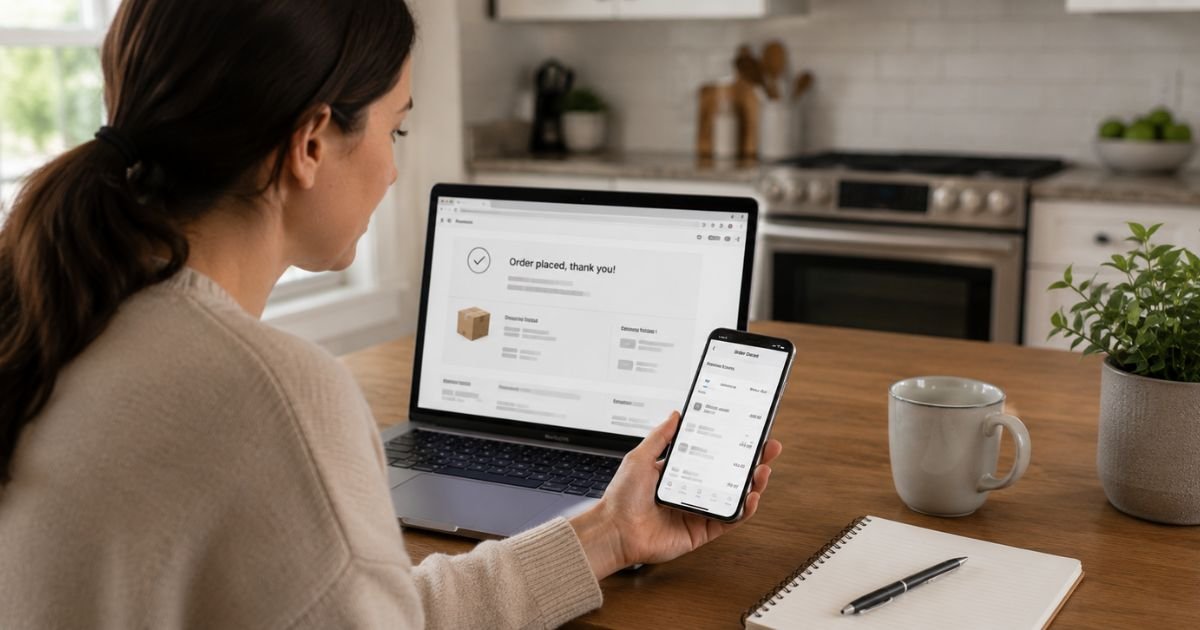
You open your bank app and see a Amazon Marketplace NA PA charge on debit card. It does not look exactly like a regular Amazon.com entry, so it can feel confusing.
This guide explains what the charge is, why the name looks different, how to match it to an order, and the steps to take if you do not recognize it.
What Is the Amazon Marketplace NA PA Charge?
Amazon Marketplace NA PA is a billing descriptor used by Amazon for purchases made on its North American marketplace. NA stands for North America. PA refers to Pennsylvania, where Amazon has major fulfillment and payment-processing operations.
The charge appears when you buy something on Amazon.com (or a related North American site) and payment is processed through Amazon’s system. This includes items sold by Amazon itself and items sold by third-party sellers on the Marketplace.
Banks often shorten the name because of character limits on statements. You may also see close variations such as AMZN MKTP US, Amazon Marketplace, or AMAZON MKTPLACE NA. All of them point back to the same Amazon payment processing.
Amazon typically charges your debit card when the item ships, not when you place the order. That timing difference is one reason the charge can feel unexpected.
Why the Charge Appears on Your Debit Card
Common reasons include:
- You (or someone with access to your Amazon account) placed an order that has now shipped
- A third-party seller fulfilled the item through Amazon’s platform
- A digital purchase, gift card, or small add-on item was processed under the Marketplace descriptor
- A family member or shared household account used the card on file
- An authorization hold converted into a final charge after the item left the warehouse
The amount should match an order total that includes tax and shipping if those applied. Multiple shipments from one order can create separate charges.
How to Verify the Charge
Log into your Amazon account on a computer or in the app. Go to Your Orders and sort by date. Look for any order whose total matches the charge amount and whose ship date is close to the statement date.
Check the Order Details page for the exact payment method used. Also review Your Transactions under Account settings. That page lists every Amazon-related payment, including Marketplace ones.
If the amount and date line up with an order you recognize, the charge is expected. If nothing matches, note the exact date, amount, and full descriptor for the next steps.
Is the Charge Legitimate?
In the large majority of cases, yes. Amazon Marketplace NA PA is a standard, legitimate descriptor for Amazon activity. Amazon is a well-established company, and these charges appear on statements across nearly every major bank.
It is legitimate when:
- The amount matches an order in your Amazon history
- You or an authorized household member placed the order
- The charge timing lines up with shipment
It becomes suspicious if:
- No matching order exists in your account
- You have never shopped on Amazon or shared the account
- Multiple unexpected charges appear in a short period
- The amount is unusually high with no corresponding order
If anything feels off, treat it as unrecognized until you confirm it.
What to Do If You Do Not Recognize the Charge
- Log into Amazon and carefully review Your Orders and Your Transactions for the matching amount and date.
- Check whether anyone else in your household has access to the Amazon account or the debit card.
- Change your Amazon password and turn on two-step verification if you have not already.
- Contact Amazon customer service through your account help page or by calling 1-888-280-4331. Provide the exact charge details and ask them to locate the order.
- If Amazon cannot find a matching order or confirms the charge is unauthorized, call the number on the back of your debit card right away. Report it as an unauthorized transaction and ask about provisional credit and the dispute process.
Act quickly. Debit card protections under federal rules depend on timely reporting.
How to Contact Amazon About the Charge
The most reliable way is through your Amazon account. Go to Customer Service, select the relevant order or “Something else,” and choose phone or chat.
You can also call Amazon’s main U.S. customer service line at 1-888-280-4331. Have the charge date, amount, and the last four digits of the card ready.
Amazon can usually locate the transaction using those details and explain what was purchased.
Tips to Avoid Confusion With Future Amazon Charges
Keep your Amazon order confirmation emails. They make matching charges easier.
Turn on purchase notifications in the Amazon app and in your bank app. You will see the activity in real time.
Review your Amazon payment methods regularly and remove any cards you no longer want to use.
If multiple people share an Amazon Household, set clear rules about who can place orders.
FAQs About Amazon Marketplace NA PA Charge on Debit Card
Why does it say NA PA instead of just Amazon?
Banks and payment processors use short codes. NA means North America and PA points to Amazon’s Pennsylvania operations. It is still an Amazon charge.
Can one Amazon order create more than one charge?
Yes. If items ship separately, Amazon often bills each shipment on its own. Each can appear as a separate Marketplace charge.
What if the charge is pending?
Amazon often places an authorization hold first. The final charge posts when the item ships. Pending holds usually drop off once the real charge settles or the order is canceled.
How do I stop Amazon from charging this debit card?
Log into Amazon, go to Your Payments, and remove or update the card. Also check any active subscriptions or recurring orders that may still be linked to it.
Conclusion
An Amazon Marketplace NA PA charge on debit card is almost always a legitimate payment for an order placed on Amazon’s North American marketplace. The unusual-looking name simply reflects how Amazon and banks format the transaction.
Match the amount and date to your Amazon order history first. If nothing lines up, contact Amazon and then your bank without delay. Checking orders and statements regularly keeps these charges from becoming a surprise.
Disclaimer: This information is for informational purposes only. ChargeOnDebitCard.com is not affiliated with Amazon, any bank, or payment network. Contact Amazon customer service or your financial institution about specific charges, refunds, or unauthorized transactions.